

Ever feel like your money disappears faster than you can track it? We know the feeling. A majority of people today struggle to stay on top of their budgets, especially with UPI payments and tiny daily spends adding up silently.
If you’ve been hopping between apps, trying spreadsheets, or relying on mental math, you’ve probably wondered which tool will actually make budgeting easier. And more importantly, how do you pick something that fits your habits without feeling complicated or overwhelming?
That’s exactly what this blog is here to help with. We’re cutting through the noise to help you figure out what truly works. From everyday spending to future planning, check out the best apps, their features, and how to choose the one that makes budgeting feel easier.
Here’s The Short Version:
- Budget planning apps help you track spending, stay organised, and plan future expenses effectively.
- Choosing the right app boosts money control, reduces stress, and simplifies day-to-day financial decisions.
- Look for features like UPI tracking, custom categories, goal tools, and strong data security.
- Axio and Money Manager suit beginners, while YNAB and Moneyfy work well for structured planning.
- Compare features, pricing, and ease of use to choose the app that fits your habits best.
Why A Budgeting App Makes Sense In 2025?
Managing money in 2025 feels different from even a few years ago. With UPI, online shopping, credit cards, and subscriptions everywhere, it’s easy to lose track of spending. A budgeting app helps bring everything back into focus.
 Benefits of using one:
- Improves spending awareness: You can see exactly where your money flows each week, which helps you make better choices.
- Keeps your budget steady: Budget alerts stop accidental overspending and keep you within your limits.
- Helps reduce debt faster: Tracking EMIs and credit card payments becomes easier, so repayments feel less stressful.
- Gives better goal clarity: Whether it is a holiday, a new gadget, or an emergency fund, visual goals keep you on track.
- Provides peace of mind: No more guessing games about bill dates or monthly totals.
Once you see how useful a budgeting app can be, the next step is knowing what to look for.
Also Read: Understanding Personal Finance and Budgeting for Financial Needs
Key Features You Should Look For In A Budgeting App
Most budgeting apps look similar at first glance, but the right one depends on the way you handle money. Some prefer automation, while others want detailed controls. Here’s a quick comparison to help you decide:
| Feature | Why it matters |
| UPI and SMS detection | Tracks spends automatically without manual entries. |
| Multi-bank linking | Lets you see all accounts and cards in one place. |
| Spending categories | Helps you create custom budgets for food, travel, and other essentials. |
| Credit card alerts | Reminds you about billing cycles and usage. |
| Privacy and encryption | Keeps your financial data safe and confidential. |
| Goal-tracking tools | Helps you save for gadgets, travel, studies, or emergencies. |
| Investment and net worth view | Gives a complete picture of your money habits. |
With these features in mind, it becomes easier to compare the top options. Let’s walk through the apps worth trying in 2025.
Top 7 Budgeting Apps For Indians In 2025
Tracking your money doesn’t have to be a headache. These 7 budgeting apps make it easy to control spending, save smarter, and plan ahead. Whether you want automatic expense tracking, shared wallets, or investment insights, there’s an app here to suit every lifestyle.
Here’s a quick comparison:
| Budgeting App | Best For | Rating |
| Axio | Smart tracking with useful spending alerts | 4.4 |
| Money Manager | Clean visuals and easy tracking | 4.6 |
| Spendee | Joint budgets and multi-currency use | 4.3 |
| FinArt | Auto-tracking using SMS data | 4.5 |
| Moneyfy | Simple budgeting plus investing options | 4.9 |
| YNAB | System-based planning and intentional spending | 3.6 |
| Goodbudget | Envelope-style budgeting for households | 2.8 |
1. Axio (formerly Walnut)
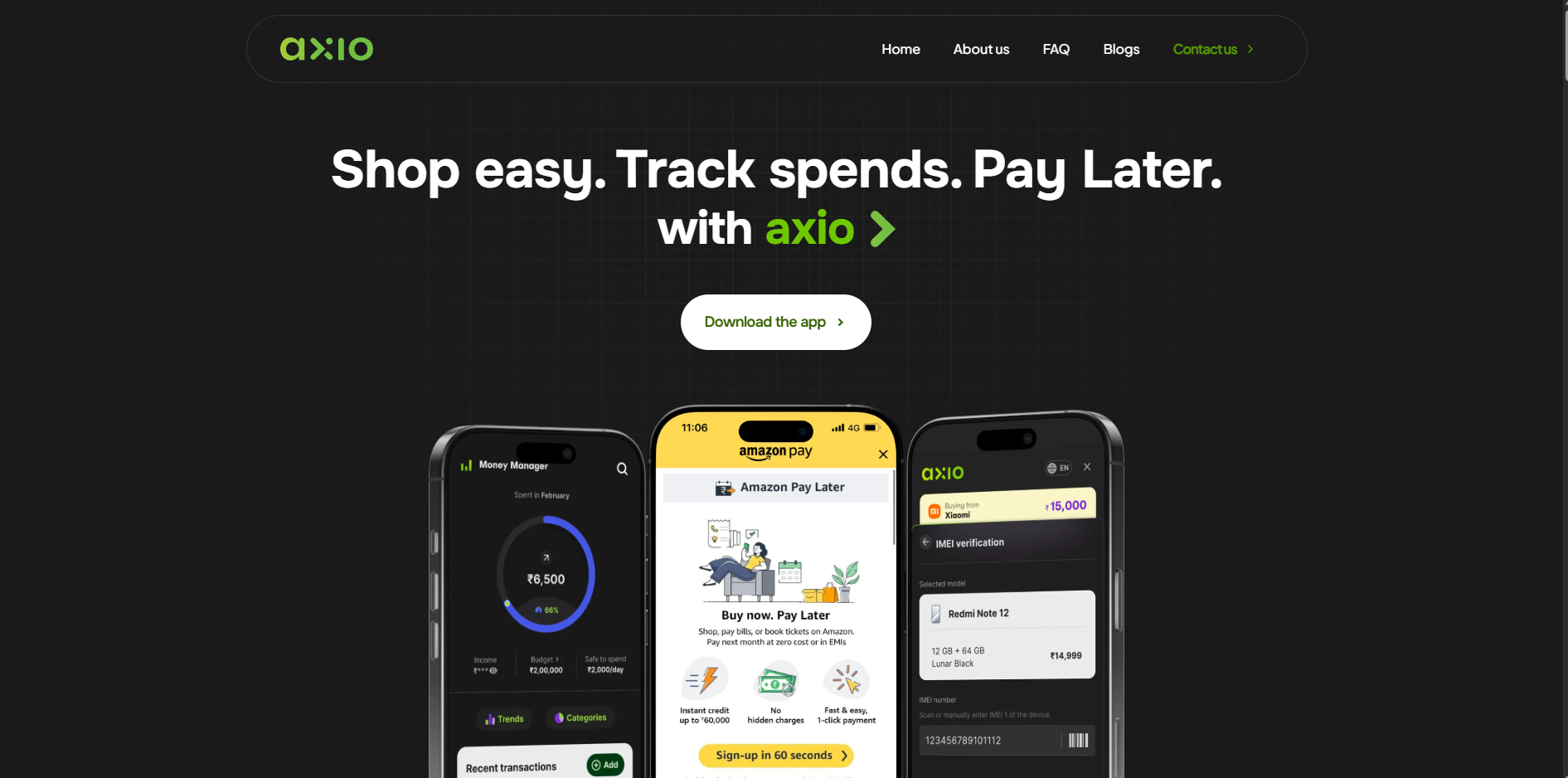
Axio is a practical pick if you want an app that keeps your spending organised without too much setup. It gives you a clean dashboard, clear categories, and quick alerts when your spending gets close to your limits. If you like casual, day-to-day tracking with some extra borrowing options when needed, Axio fits well into an early-work routine.
Key Features
- Spending alerts: The app notifies you instantly when your monthly spending crosses the limit you set.
- Smart categorisation: It reviews new transactions and neatly places them into the correct spending categories without any manual entries.
- BNPL options: You can shop at partner stores and choose flexible repayment plans that make small purchases easier to manage each month.
- Goal insights: The app reviews your spending patterns and then offers small, practical suggestions to help you maintain healthier financial habits.
Pros
- Combines budgeting with credit options
- Easy to use for daily expense tracking
Cons
- Limited advanced analytics
- Buy-now-pay-later could tempt overspending
2. Money Manager
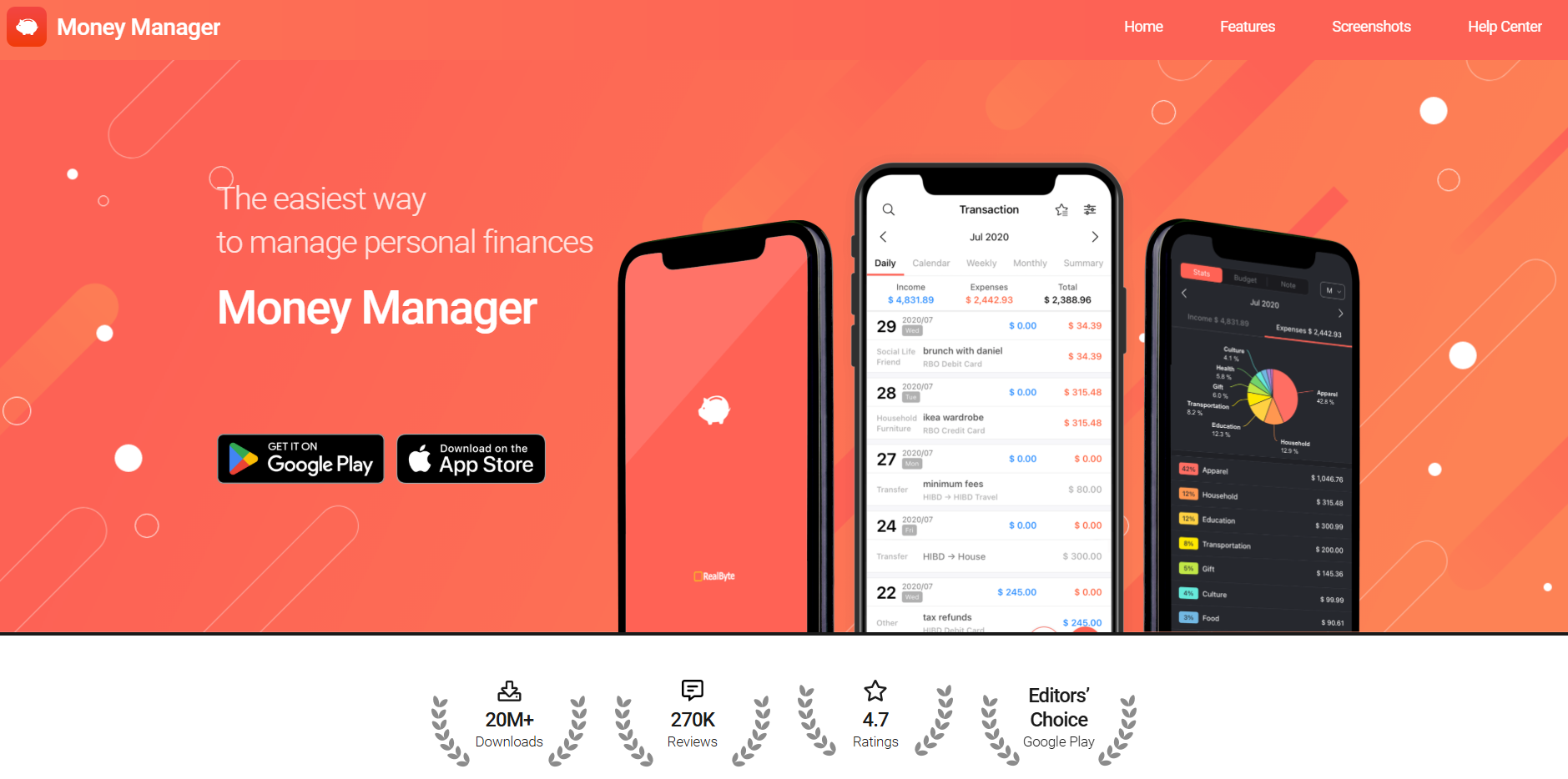
Money Manager feels like the app you open when you want a clear picture of where your money went this week or month. Everything is laid out visually, so even if numbers stress you out, the design keeps things simple. It is a solid pick if you enjoy charts, clean layouts, and straightforward budgeting that does not demand much effort.
Key Features
- Visual charts: Expense charts show where your money went across categories, helping you understand your habits.
- Receipt photos: You can take photos of bills and receipts to store payment details neatly without worrying about losing physical copies.
- Calendar layout: The monthly calendar view helps you see on which exact days you overspent and when you managed to stay on track.
- Advanced filters: You can filter transactions by category, date, amount, or notes, which makes analysing your spending patterns much easier.
Pros
- Very clear and visual for beginners
- Powerful analytics for detailed insights
Cons
- Slight learning curve for beginners
- Cash entries need manual updates
3. Spendee
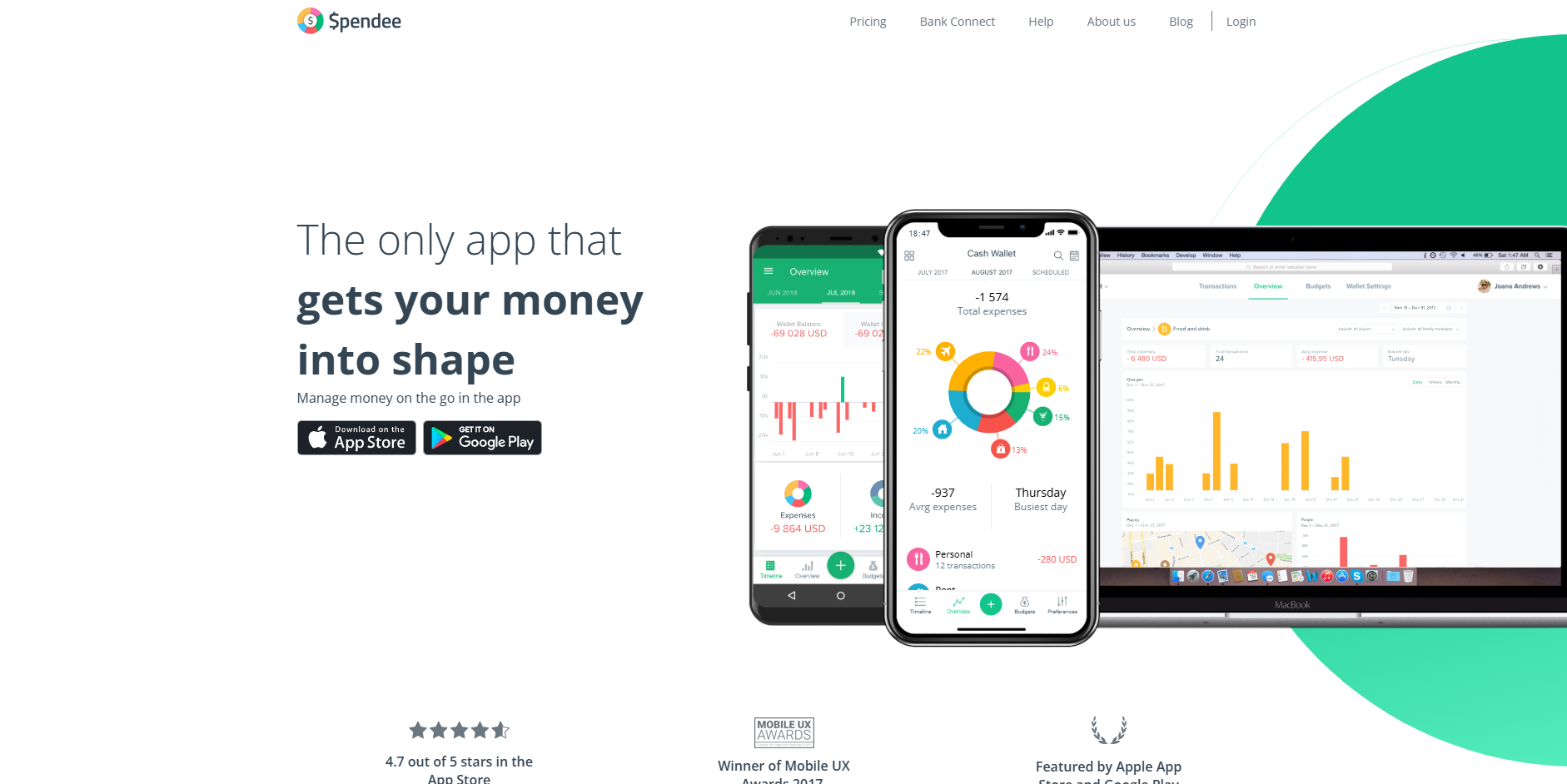
Spendee is a handy app if you live with flatmates or manage shared expenses. The shared wallets genuinely make group budgeting easier because everyone can see what was spent and when. The layout is colourful, organised, and perfect if you prefer tracking expenses visually instead of scrolling through spreadsheets.
Key Features
- Shared wallets: Invite friends or family to shared spaces where everyone can record expenses.
- Bank syncing: Link your bank accounts to automatically pull in transactions for easy tracking.
- Category customisation: Create your own labels, add photos, and adjust icons to match your lifestyle.
- Budget limits: Set spending caps for categories and receive reminders when you are close to crossing them.
Pros
- Visual and intuitive design
- Consolidates multiple accounts effortlessly
Cons
- Bank integration may not always be smooth
- The free version has limits
4. FinArt
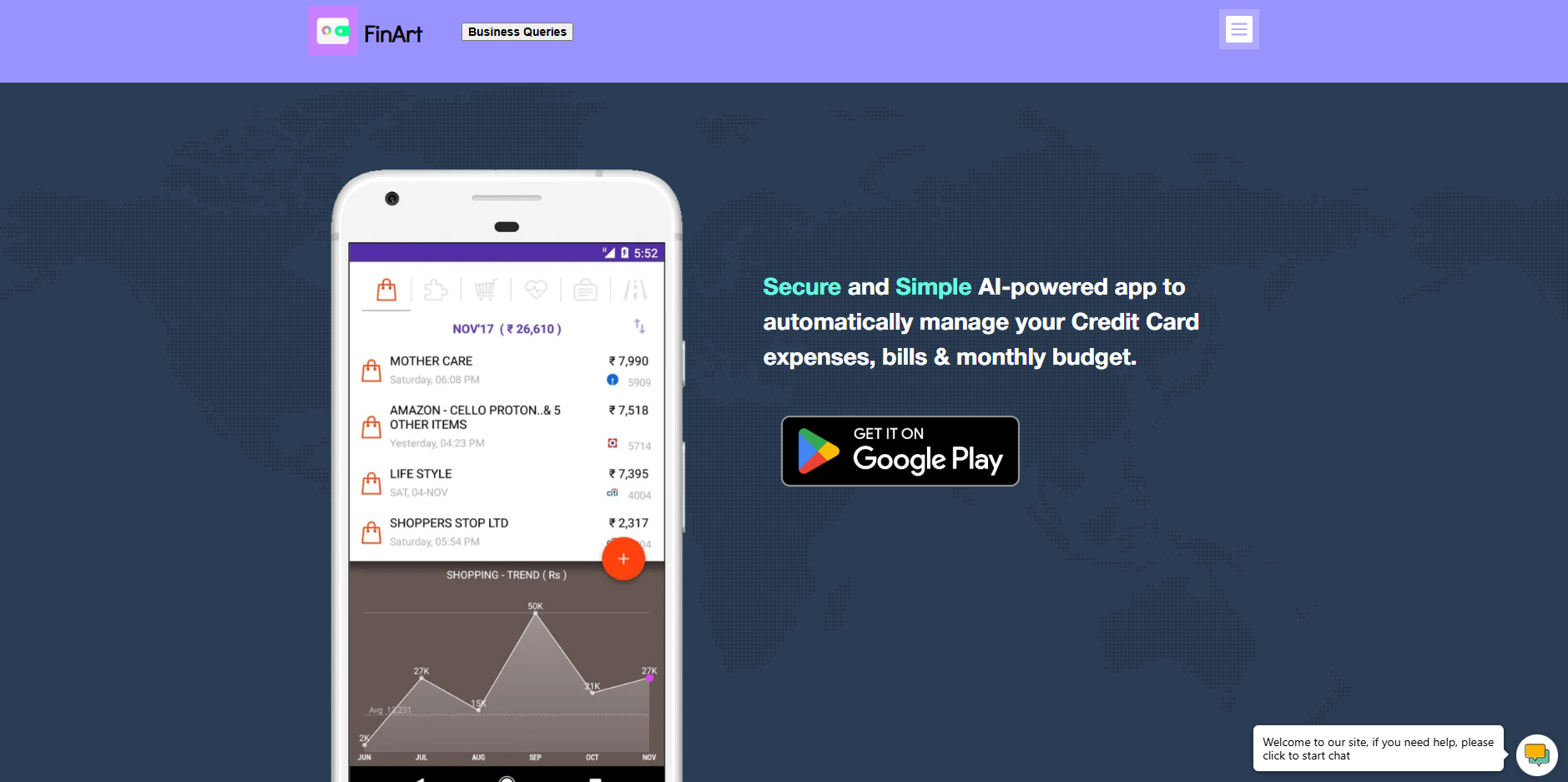
FinArt works well if you want tracking without connecting your bank account. It reads your SMS alerts and turns them into organised expenses automatically. This makes it feel lightweight, private, and reliable for anyone who prefers non-intrusive budgeting. You simply install it and let it handle the backend work for you.
Key Features
- SMS-based tracking: The app scans your transaction messages and automatically logs each expense, so you do not need any manual entries.
- Bill alerts: You receive reminders before credit card or utility bill due dates, helping you avoid late fees and last-minute stress altogether.
- Balance view: It gathers balance information from SMS alerts to show you updated wallet, account, or card amounts whenever you check.
- Manual edits: You can add or adjust expenses with just a few taps, making it easier to correct or complete your monthly budget.
Pros
- Minimal manual input needed
- Strong privacy control
Cons
- Limited customisation for categories
- Needs SMS notifications enabled
5. Moneyfy
Moneyfy works nicely if you want budgeting and basic investing in one place. It feels friendly enough for beginners and gives you a tidy dashboard to follow your spending. You can track SIPs, explore funds, or simply review your budget for the month without any complicated menus.
Key Features
- Quick portfolio view: The dashboard shows your investments and spending together, showing you an overall financial progress.
- Scanner tools: You can compare investment options using filters and scanners and pick suitable plans without scrolling endlessly.
- Auto-pay support: Automate your SIP payments to avoid missing deadlines and keep your long-term financial plans moving steadily.
- Secure setup: The app follows strict digital security standards to ensure your personal data and investment activity remain protected.
Pros
- Excellent for investors and planners
- Easy, one-click portfolio view
Cons
- More focused on investments than daily expenses
- Requires basic investing knowledge
6. YNAB
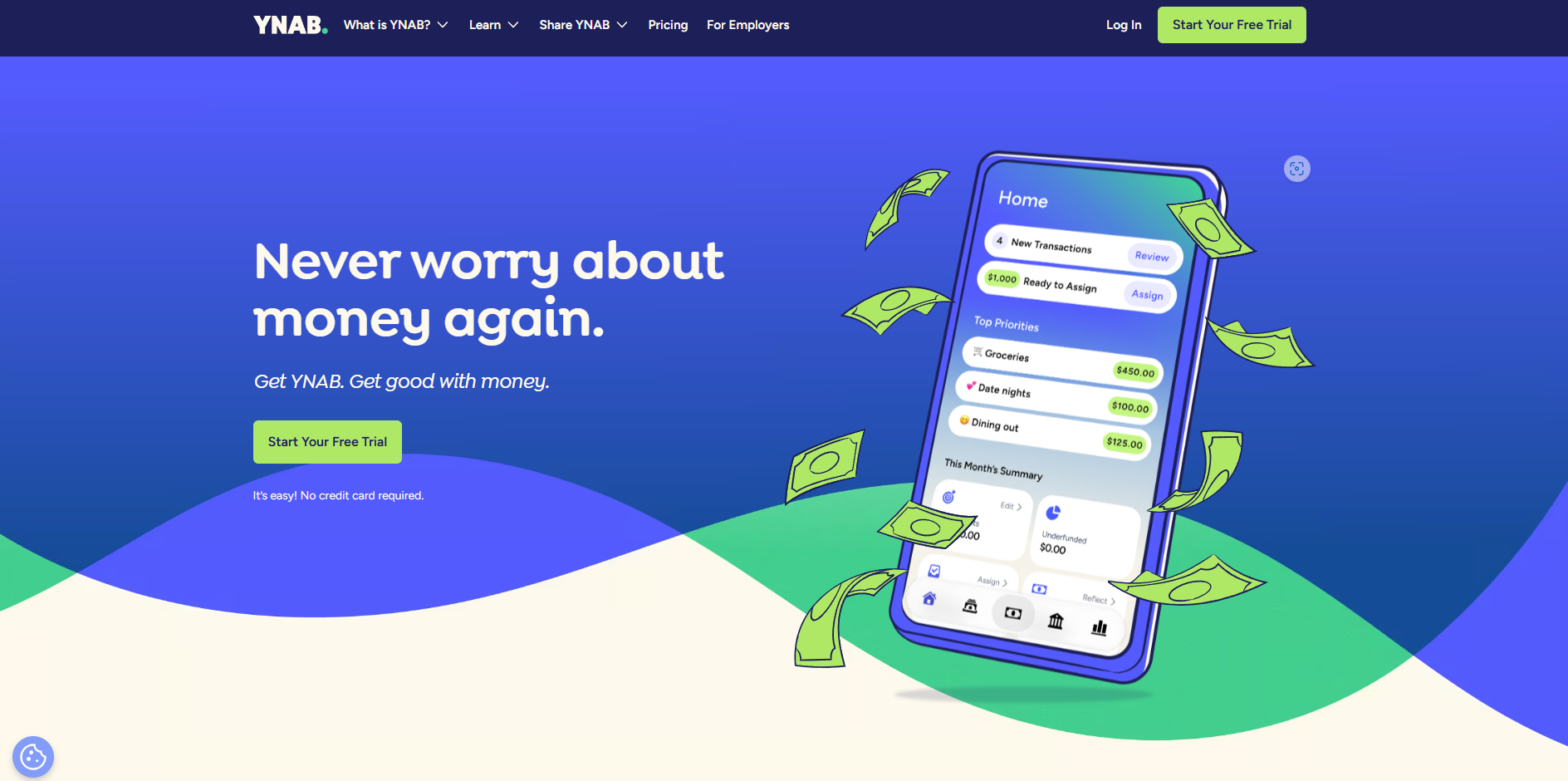
YNAB is ideal if you like structured budgeting with clear rules. It asks you to assign every rupee a job, which makes you think before spending. The learning curve exists, but once you understand the flow, it becomes a very organised way to track money, especially if your income varies.
Key Features
- Priority planning: You set short-term and long-term goals which guide how you allocate your money every month across essential categories.
- Expense rules: Each rupee gets assigned to a purpose, which helps you avoid impulse spending.
- Guided lessons: Built-in tutorials explain the method step by step so you can understand its system and stick to it comfortably.
- Monthly buffer: The app encourages you to prepare for next month’s costs, so you can reduce budget shocks and unexpected expenses.
Pros
- Clear system for managing finances
- Good for irregular income
Cons
- The subscription model can feel expensive
- Learning curve for beginners
7. Goodbudget
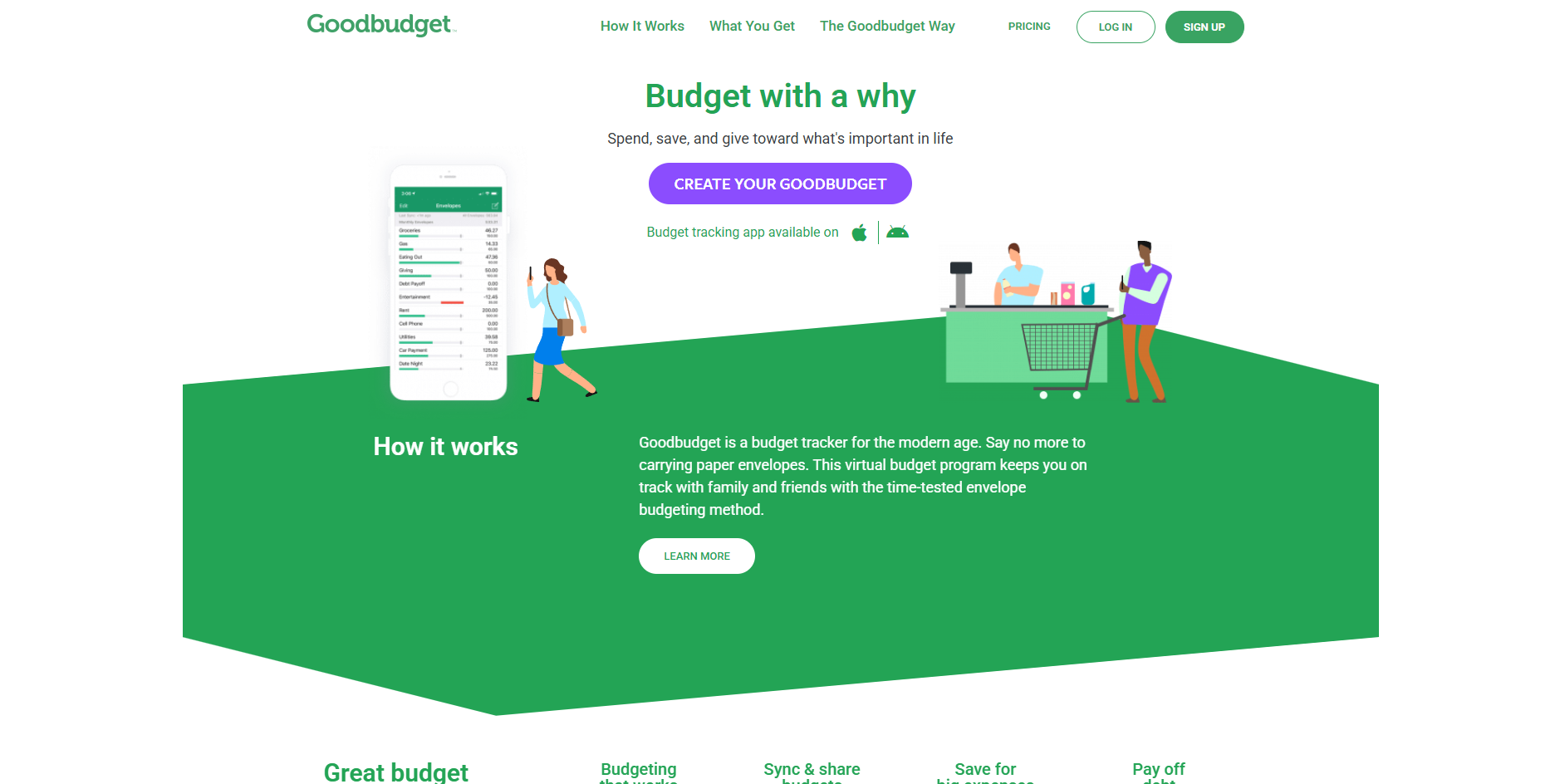
Goodbudget is a simple envelope-style budgeting app that feels especially useful if you manage money with another person. You divide your budget into envelopes and spend from them through the month. Since everything syncs across devices, households can stay on the same page without confusion.
Key Features
- Envelope system: You split your monthly budget into labelled envelopes for controlled spending.
- Shared access: Family members or partners can sync the same budget, allowing everyone to record expenses and stay informed in real time.
- Debt tracking: The app helps you monitor debt repayment so you can see how much progress you make and plan more confidently.
- Long-term planning: You can create envelopes for future purchases or events to save slowly instead of rushing at the last minute.
Pros
- Encourages disciplined spending
- Simple and family-friendly
Cons
- Basic interface, lacks advanced analytics
- Limited free plan
Each of these apps offers something different, whether you want automation, clean visuals, or investment tools. So how do you decide the right one for your lifestyle? Let’s see.
Also Read: 6 Simple Budgeting Tips for Better Money Management
How To Pick The Right Budgeting App For Your Needs
Choosing the right app is easier when you know what matters most to you. Start by asking yourself how you prefer to track money and what level of detail you want.
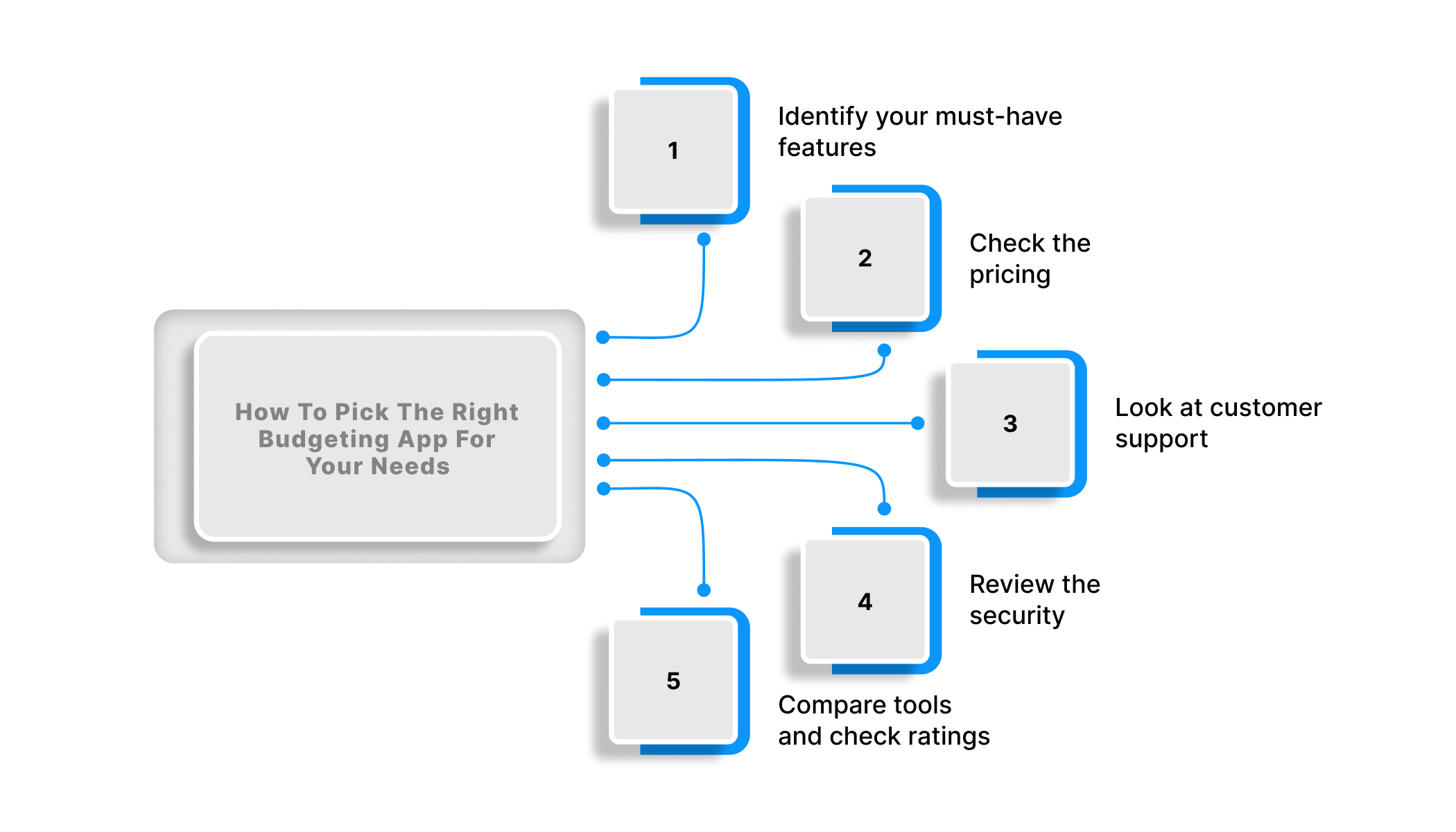
Identify your must-have features
Think about what you really need.
- Do you want automatic tracking with SMS alerts?
- Do you prefer manual control?
- Do you need custom categories for student life or beginner savings?
Check the pricing
Many apps offer free plans or trials. Paid versions come with extra tools, so compare the value with the subscription cost.
- Choose a free app if you only want basic tracking.
- Consider a paid plan if you need advanced analytics or automated budgeting.
Look at customer support
Reliable support matters, especially when you face syncing errors or category issues.
- Check if the app offers chat support or quick troubleshooting guides.
- See how responsive they are to reviews.
Review the security
Since you will connect bank accounts or allow SMS reading, safety is important.
- Look for apps that provide bank-level encryption.
- Enable multi-factor authentication wherever possible.
Compare tools and check ratings
User reviews help you understand real experiences.
- Look at the pros and cons mentioned by other students and working professionals.
- Review side-by-side comparisons on trusted platforms.
Tips For Using Your Budgeting App Successfully
The app handles the data, but the discipline still comes from you. These practical tips will help you use your budgeting app efficiently:
- Set Clear Goals: Decide what you want to achieve this year or month. Break big goals into smaller steps.
- Create a Realistic Budget: Allow room for fun and emergencies. A balanced budget is easier to follow long-term.
- Update Regularly: Check your app at least twice a week. Quick reviews keep your habits on track.
- Set Alerts and Reminders: Use alerts for overspending, bill dates, or weekly summary emails.
- Link Your Accounts: Let the app capture transactions automatically through bank sync or SMS.
- Review Monthly Reports: Look at patterns and adjust categories when needed.
- Use Tags for One-Off Purchases: Mark special spends like travel, gifts, or festivals for cleaner insights.
These habits help you stay consistent without feeling restricted. And if an app doesn’t suit your style, there are always alternatives.
Alternatives To Budgeting Apps
Budgeting does not always need an app. If you prefer simple or hands-on methods, these options work well too.
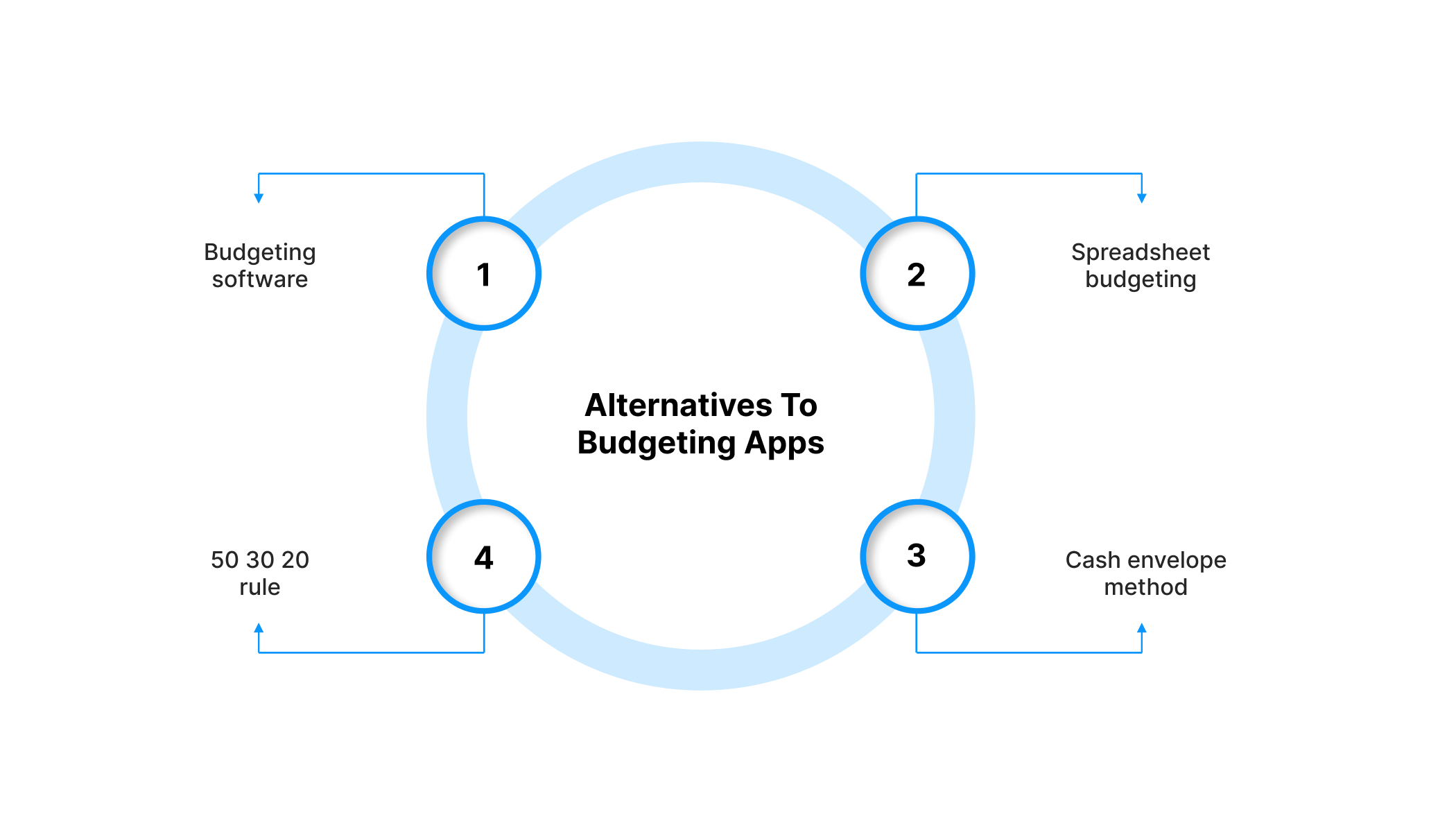
- Budgeting software: Programs like QuickBooks or Quicken offer more detailed options for those who want deeper financial tracking.
- Spreadsheet budgeting: Use Excel or Google Sheets to record income and expenses manually. This works well for people who like full control.
- Cash envelope method: Divide your monthly cash into envelopes based on categories like food, travel, and bills. It helps limit overspending.
- 50 30 20 rule: Use any basic spreadsheet or notebook to divide your income into needs, wants, and savings.
Whether you choose an app or an alternative method, the goal is to stay consistent and understand your spending patterns over time.
Also Read: Importance of Cash Budget: Definition and Benefits
How Pocketly Supports Smart Budgeting During Cash Gaps
Some months go exactly as planned, and then there are the months when your phone a fee you forgot about hits your account at the worst possible time. A budgeting app can help you track these moments, but it can’t magically give you breathing room. That’s where Pocketly steps in as a practical safety net.
Pocketly isn’t a budgeting tool or an NBFC; it’s a digital lending platform built for short-term, urgent cash needs. It offers ₹1,000 to ₹25,000 personal loans with interest starting at 2% per month and a processing fee of 1-8%. Pocketly stands as a realistic option when you need funds quickly without derailing your entire budget.
How Pocketly Works (Simple & Fast):
- Sign up using your mobile number
- Upload Aadhaar, PAN, and basic details
- Complete a quick KYC or video KYC
- Add your bank account details
- Choose your loan amount & tenure
- Get funds transferred instantly
And because the entire process is online, there’s no physical paperwork. With flexible EMIs and 24/7 support, Pocketly keeps you afloat when life throws a curveball your way.
Final Thoughts
Budgeting apps are some of the most useful tools you can carry in your pocket. Each app shines in its own way. Some are great for visual spend tracking, some simplify investments, and others help you plan expenses as a group. The right choice depends on how you handle money daily and the kind of support you need to stay consistent.
That said, no tool can prevent every surprise. A sudden bill, urgent travel, or a mid-month shortfall can still catch you off guard, and that is when having a backup becomes essential. Pockently offers a practical way with short-term loans to help you stay on track without disrupting your financial plans.
Download Pocketly on iOS or Android to get fast, simple access to short-term funds whenever life moves faster than your budget.
FAQ’s
What is the best free app for tracking your budgets and planning future expenses?
There’s no single “best” app since it depends on what you prefer, but solid free options include Axio for automatic tracking and Goodbudge for planning upcoming expenses. Both help you stay on top of spending without a complicated setup.
Does Google have a budget planner?
Google doesn’t offer a dedicated budgeting app, but you can create personalised budget sheets through Google Sheets. Templates are available if you prefer something ready to use.
Is it safe to connect your bank account to a budgeting app?
Most reputable budgeting apps use encrypted systems to protect your information. It’s still smart to check the app's privacy policy and reviews before linking any account.
What app do you recommend for budgeting, specifically, and not just tracking accounts?
For structured budgeting, YNAB and FinArt excel. YNAB builds disciplined, zero-based budgets that assign every rupee a purpose, while FinArt automatically categorises expenses via SMS, helping you set practical budgets and stick to monthly limits effortlessly.